





2026年にオンラインでアートを販売することは、これまで以上に身近になっています — セットアップは、ほとんどのガイドが説明するほど複雑ではありません。難しい部分は、価格設定、適切なプラットフォームの選択、そして現在購入者が実際に検索しているカテゴリーを把握することです。
このガイドでは、最初から最後までオンラインでデジタルアートを販売する方法を解説します。作成するもの、掲載する場所、手数料で損をしないための価格設定方法、そして1つの優れたファイルを継続的なリピート販売の流れに変える方法について説明します。
重要なポイント
- カテゴリー適合性は生のスキルに勝る — すでにできることにニッチを合わせる。
- sRGBで300 DPIでエクスポートし、複数のサイズをまとめ、容量の大きいファイルをクラウド上でホストします。
- 手数料を考慮した価格 — Etsyで$10の売上があった場合、手数料差し引き後の純利益は通常$6〜$7です。
- 発見用に1つのマーケットプレイスと、リピート購入者向けに1つの自社ストアを組み合わせる。
- マーケティングチャネルを1つ — Pinterestまたはメール — 選び、手を広げるのではなく、そのチャネルに深く取り組みましょう。
デジタルアートとは何か、そしてなぜ売れるのか
よくある初心者の疑問:物理的な商品も、レジ係も、対面での受け渡しもない場合、実際にお金はどのように動くのでしょうか?取引の中で何かが欠けているように感じます。そうではありません — プラットフォームがそれを処理します.
誰かがEtsy、Gumroad、または自分のShopifyストアでファイルを購入すると、マーケットプレイスまたはチェックアウトツールが支払いを処理し、ダウンロードリンクを自動的に提供し、リンクされた銀行口座にあなたの取り分を入金します。
デジタルアートには箱も配送ラベルもありませんが、市場は実在します。何がこのカテゴリーに該当するのか、そしてなぜ人々がファイルにお金を払うのかを知ることで、何を作るべきかを決める助けになります。
スコープは多くの人が予想するよりも広範囲です。壁アートや結婚式の招待状のような printables、ProcreateブラシやLightroomプリセットのようなクリエイティブツール、デジタルプランナー、スマートフォン用壁紙、Twitchオーバーレイのような実用アイテムが含まれます。購入者がダウンロードして使用するものはすべて対象となります。
なぜインターネットに無料の画像があふれているのに、ファイルにお金を払うのでしょうか?それは、無料のものではほとんどの場合、目的に合わないからです。結婚式を計画しているカップルは、Pinterestで6時間費やすのではなく、今夜編集できる$15のテンプレートを求めています。そして販売者にとっては、1つの定番ファイルが在庫や発送なしで、何ヶ月も何年も収益を生み続けることができます。
すべての商品が同じように売れるわけではありません。抽象作品やニッチなファンアートは、オーディエンスがいない場合、売れるまでに時間がかかります。安定して売れるものは、人々が明確な意図を持って検索するものです:ベビー用プリント、ウェディングサイン、名刺テンプレート、D&Dポートレート、スマホ壁紙。
2026年におけるデジタルアートの売れ筋タイプ
最初の1年では、生のアートスキルよりも適切なカテゴリーを選ぶことのほうが重要です。以下の5つを読む際には、すでに持っているスキルに合うものを探してください。
印刷可能なウォールアート
Etsyで最大のカテゴリーです。購入者はファイルをダウンロードし、自宅または地元のショップで印刷して、額装します。単品プリントは$4〜$15で、厳選された3枚セットは$18〜$30まで上がります。主な購入者は、当日中に何かを必要とするアパート賃貸者やギフトを贈る人です。
飽和度は深刻です — ここで勝つには、購入者が認識して検索できる特定の美的スタイルが必要であり、またありふれた山岳風景では不十分です。明確なビジュアルスタイルを持ち、大量制作できる初心者に最適です。
ウェディングおよびイベント用テンプレート
ファイルごとに最も高い利益率を持つカテゴリの1つ。編集可能な招待状セット、席次表、メニューカードは1つあたり$10から$35で販売され、完全なバンドルセットは$60から$120に達します。購入者は、デザイナーを雇わずにCanvaまたはCorjlで編集したい婚約中のカップルです。
結婚式は厳しいスケジュールで進行するため、購入者はすぐに決断し、交渉することはほとんどありません。作業は前倒しで行う必要があります — 完全に編集可能なテンプレートを作成するには実際の時間がかかります — しかし、一度掲載すれば、ほとんど更新することなく何年も販売できます。レイアウトやタイポグラフィに慣れている初心者に最適です。
ソーシャルメディアテンプレート
小規模ビジネスオーナーやデザイナーを雇う余裕のないコンテンツクリエイターの間で高い需要があります。Instagram投稿テンプレート、Pinterestピンセット、リードマグネットデザインは、1パックあたり$12 to $40で販売されており、プレミアムブランディングキットは$80 to $150に達します。
売れるのは単なるビジュアルの洗練度ではありません — 重要なのは、ローンチ週間、製品リリース、または週間コンテンツバッチのような明確な用途に基づいて構築されたテンプレートです。汎用的なパックは埋もれてしまいますが、1つの業界向けに特化して作られたセットは、毎回それらを上回る売上を達成します。特定の1つの業界を深く理解している初心者に最適です。
フォントとタイポグラフィ
このリストで最も高い上限です。単一表示用フォントは、個人ライセンスで$10から$30で販売されており、商用ライセンスは$80から$300以上まで幅があります。フルファミリーは$100から$500以上に達します。
スキルバーの習得難易度は最も高く、カーニング、ヒンティング、OpenType機能のすべてが重要です。そのため、これはハンドレタリングやタイプデザインの経験がある初心者に最適です。
教育用プリント
安定した、不況に強い需要。ワークシート、フラッシュカード、ホームスクール用プランナーは、個別に$3 to $20で販売されており、完全なカリキュラムバンドルは$40 to $150に達します。
購入者はビジュアルのトレンドよりも教育的な正確性を重視するため、Common Coreやモンテッソーリなどの基準への整合性が、洗練度よりも重要です。トラフィックは8月と1月に大きく急増します。教育経験のある初心者、または1つの学年レベルについて深い知識を持つ人に最適です。
続きを読む:
オンラインでデジタルアートを販売する方法: 7つのステップで始める
カテゴリを選択したら、以下のワークフローで生ファイルから最初のリピーター顧客獲得まで進めます。各ステップは、新規セラーの最初の6か月間でよくあるミスに対応しています。
ステップ1: ファイルを準備する
すべてのデザインを次の場所にエクスポート300 DPI最大印刷サイズで、1つのリスティングに複数のアスペクト比をまとめる:2:3、3:4、4:5、ISO用紙 A1–A5、および11×14。
Staplesの購入者は、ヨーロッパで家庭用プリンターを使って印刷する人とは異なる方法で印刷します。1つの欠けたサイズだけでも販売機会を失うのに十分です。sRGBでエクスポートしてください — 最新の家庭用プリンターやオンデマンド印刷サービスはそれをきれいに処理できます。商業印刷の購入者から特に要求された場合にのみ、CMYKバージョンを提供してください。
Etsyは各ダウンロードファイルを20MB with up to 5 files per listing, which becomes a problem the moment you try to bundle multiple high-res sizes. The workaround most sellers land on: host the files on Google Drive or Dropbox and deliver a branded PDF that links to the cloud folder.
Step 2: 仕事の価格を設定する
あるRedditの販売者は率直にこう述べています。「40ドルで何かを販売しているなら、その半分を稼げるかもしれない。それも、非常に高いマージンの場合でだ。」これは誇張ではありません。
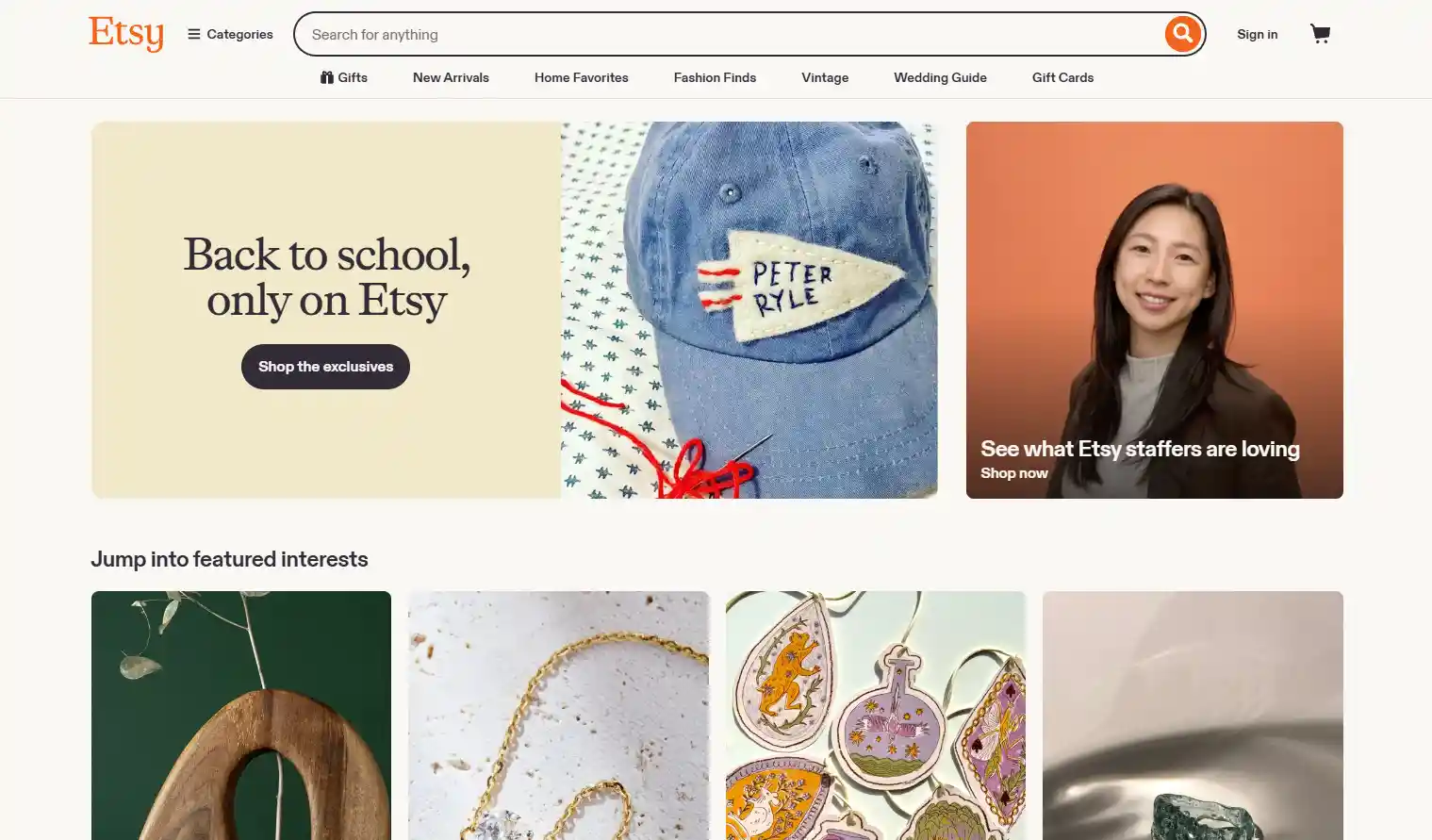
Etsyでは出品料を支払っており、a6.5%取引手数料、決済処理手数料、販売がEtsy Ads経由の場合のオフサイト広告手数料、およびEUと英国の購入者向けVAT。10ドルの販売では、何かを得る前に2ドルから3ドルを失うことは普通です。
作業の目安となる価格帯:単品ダウンロードは$4から$8(ウォールアートやプレミアムプリントは$15まで引き上げ可能)、厳選バンドルは$25から$60、独占的な商用権は$150から$1,000以上。ページ1で最も安い出品が設定している価格に合わせて値付けをすると、競争している相手は計算をしていない販売者です。
ステップ 3: 販売先を選択
販売しているものや、購入者との関係をどれだけ自分で所有したいかに基づいて、利用するプラットフォームを選びましょう。Etsyは最も多くの検索トラフィックをもたらしますが、顧客は実際にはあなたのものではなく、Etsyの顧客です。
Creative Marketはデザイナー同士の取引に偏っています。Gumroadは手数料が最も低いですが、独自のトラフィックをもたらしません — すでにオーディエンスを持っている場合にのみ役立ちます。Teachers Pay Teachersは教育用プリント素材の分野を完全に所有しています。
しばらく販売を続けているほとんどのセラーは、最終的に2つに行き着きます。1つは発見のためのマーケットプレイス、もう1つは、毎回コミッションを支払うことなくリピーターが戻ってこられる自社プラットフォームです。
Step 4: 作業を保護する
リストアップする前にライセンスの種類を設定してください:個人利用、ユニット数上限付き商用利用(5,000 unitsが一般的な基準)、および大規模販売者向けの拡張商用利用。条件はダウンロードファイルだけでなく、listing descriptionにも記載してください — 誰もファイルを読みません。
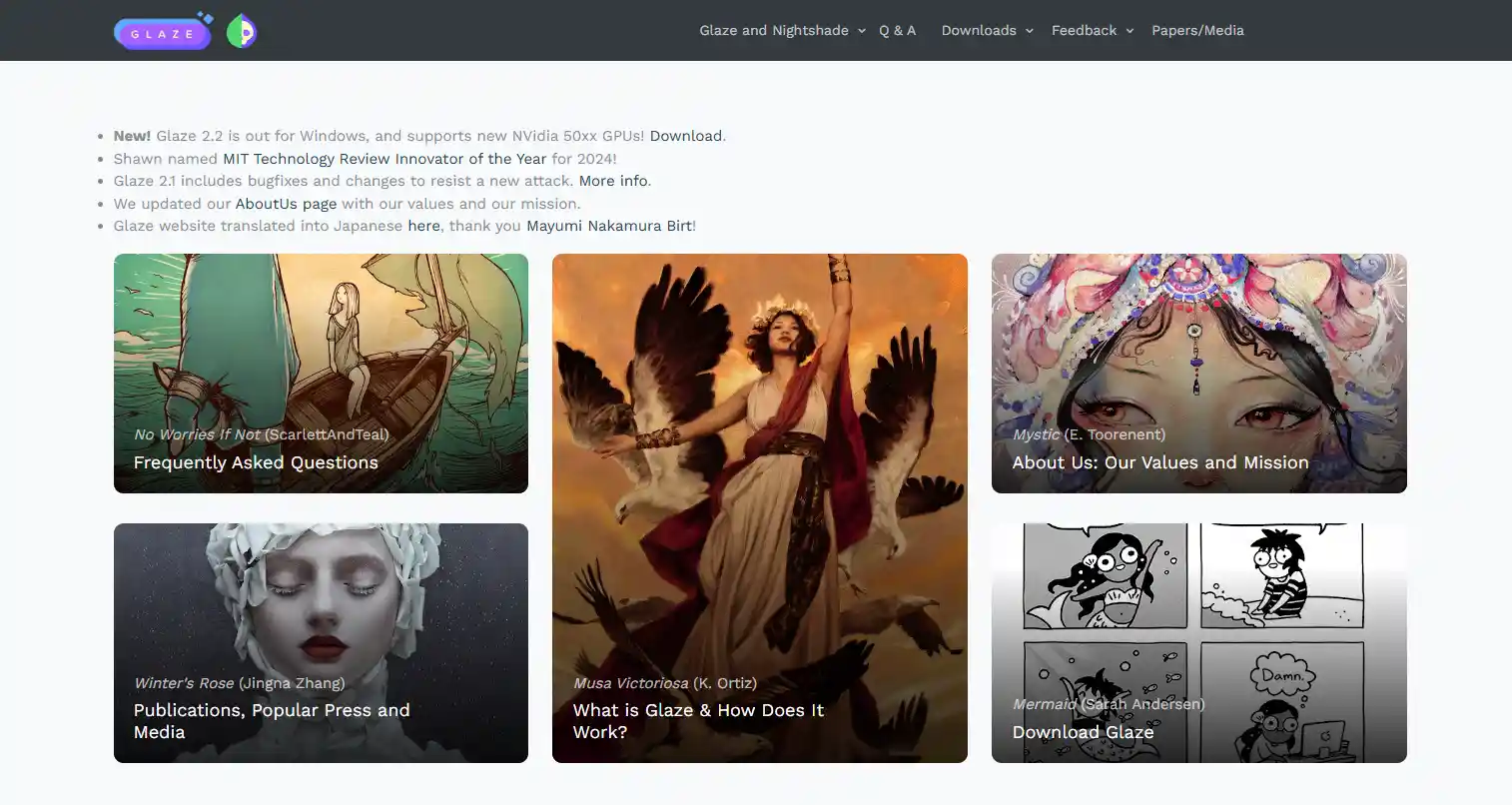
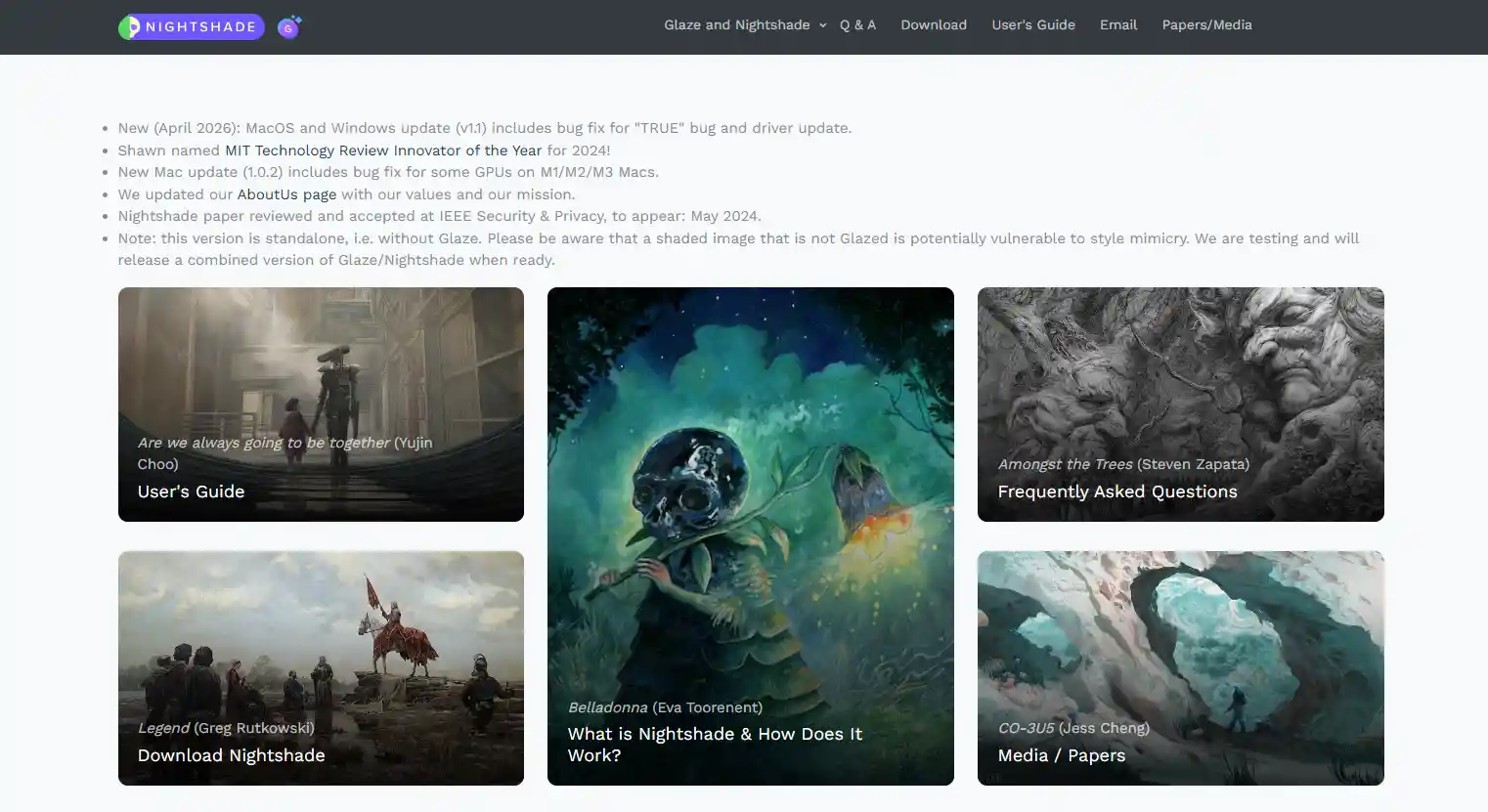
プレビューには ウォーターマークが表示された低解像度のモックアップのみを使用し、フル品質の画像は使用しないでください。イラスト作品を投稿する場合は、AIスクレイパーがトレーニングに使用しにくくするため、まず Glaze または Nightshade を通してください。
そして厳格なルールとして、Disney、Marvel、その他の著作権で保護されたキャラクターのファンアートは避けてください。商標権者はマーケットプレイス全体で自動スキャンを実施しており、1件のDMCA削除通知でショップ全体が閉鎖される可能性があります。
ステップ 5: 配送とカスタマーサポートの対応
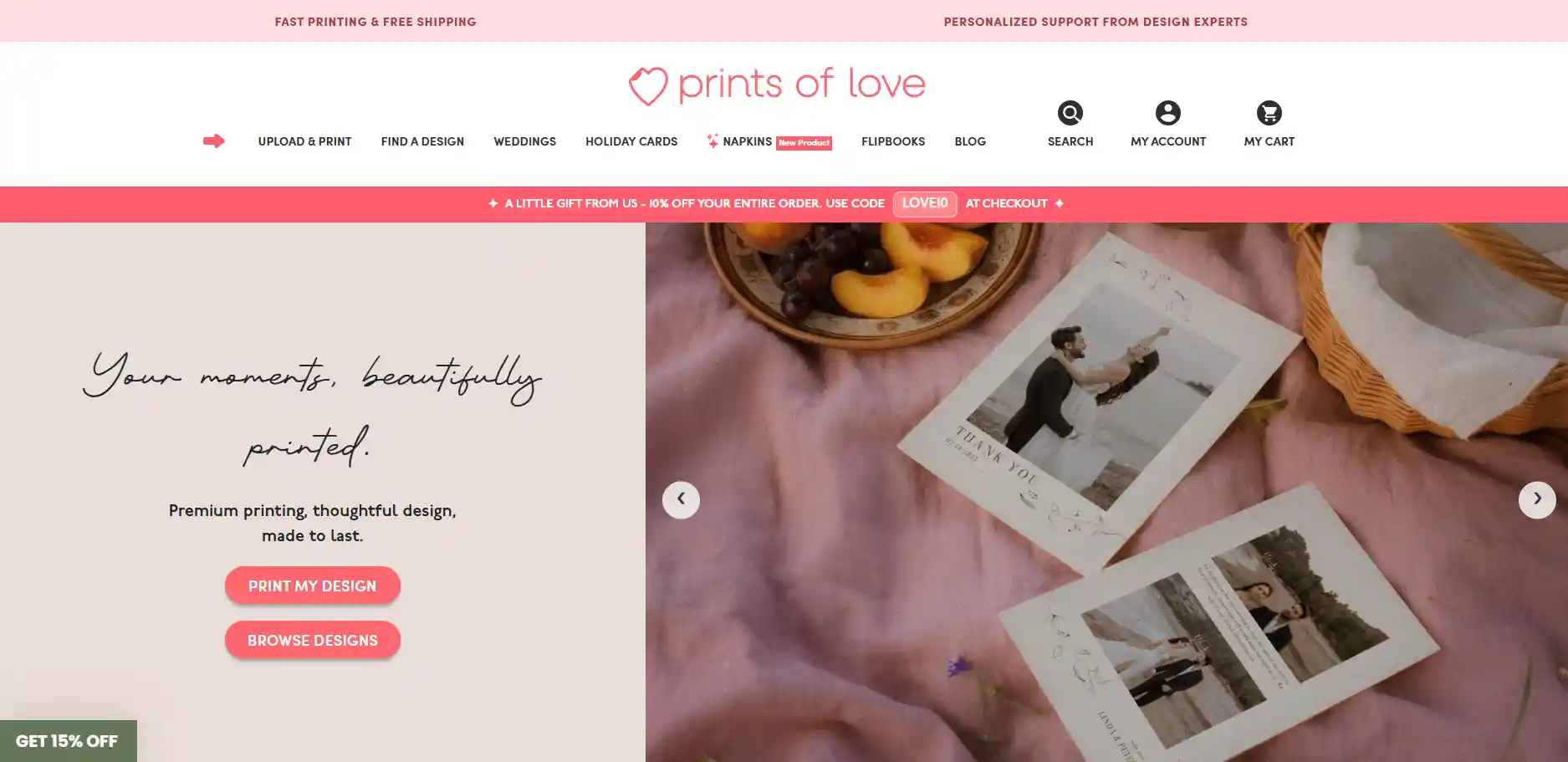
ダウンロードに追加できる最も役立つものは、1ページの印刷ガイドです:使用する用紙の厚さ(ウォールアートの場合はおおよそ200+ GSMのマット厚紙)、印刷場所(便利さを重視するならWalgreensまたはStaples、ギフト品質ならPrints of Love)、およびファイルのサイズ設定方法。この1つのPDFで、サポートへの問い合わせメッセージを半分以上削減できます。
Also state your 返金ポリシー in every listing, plain and short: "No refunds on digital downloads." You'll still get the occasional chargeback dispute from a buyer claiming the file never arrived. Keep your delivery timestamps and listing screenshots — that's usually enough to win.
Step 6: ショップをマーケティングする
Pinterestは、印刷可能なデザインやテンプレートの販売者にとって最も効果の高い無料チャネルです。なぜなら、それはビジュアル検索エンジンのように機能するからです — 今日作成したピンが、2年後でも売上を生み続ける可能性があります。
InstagramとTikTokは、実際にコンテンツ作成を楽しんでいるなら効果がありますが、ほとんどの販売者が維持できない投稿ペースを求めます。
Start an メールリストを初日から作成しましょう。たとえ早すぎると感じても構いません。過去の購入者200人が登録されたリストは、新しい商品を発売する際に1万人のInstagramフォロワーよりも多くの収益を生み出します。マーケットプレイス以外の1つのチャネルを選び、そこに深く取り組みましょう — すべてのチャネルに手を広げることが、多くの新規セラーが3か月目までに燃え尽きてしまう原因です。
ステップ 7: 追跡、反復、拡大
ダッシュボードで重要なのは、他の指標よりも次の2つの数値です:閲覧数はあるが売上がないリスティング(価格設定またはプレビューの問題)と、売上はあるが閲覧数が少ないリスティング(キーワードの問題)。
Once a listing settles into roughly 月間10件以上の販売, 実績が証明されたものとして扱い、バリエーションを展開します — 異なるカラーパレット、関連するアイテム、より高い価格設定が可能なコーディネートセットを作成し、バンドルとして販売します。
趣味収入の域を超えることに成功する販売者は、毎週新しい単発商品を出している人たちではありません。彼らは、売れ筋トップ3のリスティングを選び、それらを完全なコレクションへと拡大し続ける人たちです。
そのエンジンが稼働したら、次の判断は、現在のカテゴリーにさらに注力するか、隣接するカテゴリーへ進出するかです。
オンラインでデジタルアートを販売するための6つのベストプラットフォーム
プラットフォーム間のトレードオフは明確です: マーケットプレイスはトラフィックをもたらし、より大きな取り分を取る一方で、自社ストアは各販売からより多くを維持できますが、マーケティングは完全にあなたに委ねられます。
6つの主なオプションを比較すると、以下のようになります。
Etsy
ほとんどの新しいデジタル販売者にとってのデフォルトの出発点であり、それには十分な理由があります — 数百万人もの日々の購入者が、すでにプリント素材、ウェディングスイート、ウォールアートを探しに訪れています。設定は簡単で、配送は自動化され、購入者はチェックアウトを信頼しています。
手数料が積み重なること(ステップ2を参照)と、高ボリュームキーワードでの競争が非常に激しいことがトレードオフです。Etsyでさえ、ほとんどの販売者は安定した売上を達成するために、Pinterestやメールを通じて外部からのトラフィックを獲得する必要があります — マーケットプレイスでの可視性だけでショップを維持できることはほとんどありません。
Gumroad
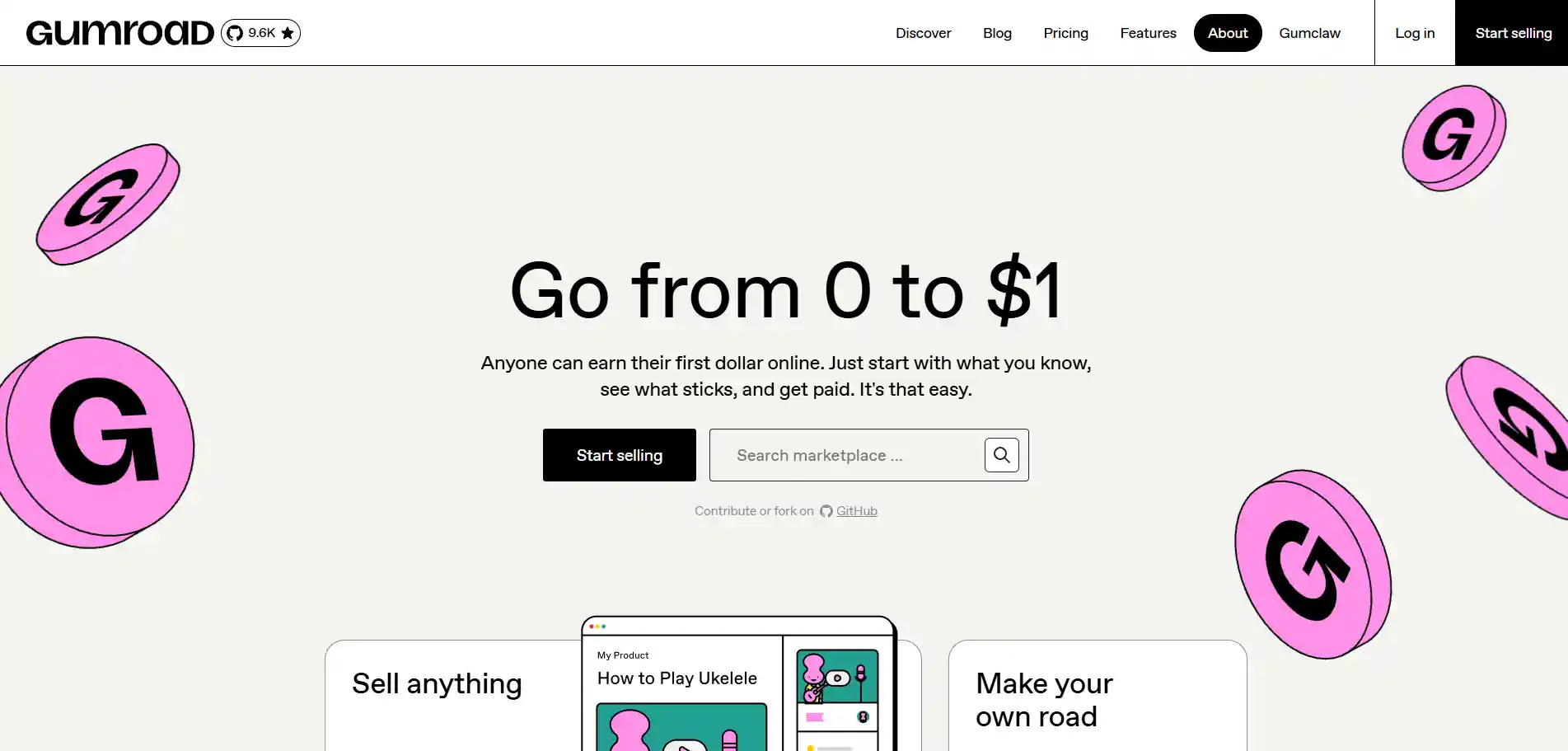
独立系クリエイターがPDF、コース、デジタルアート、ダウンロード可能なツールを販売する際に人気があります。セットアップは簡素化されており、10分以内に商品を掲載できます。また、月額料金もありません。
Gumroad は、単独では ほとんどトラフィックを生みません。自分自身のオーディエンス(ニュースレター、Twitterのフォロワー、Discordなど)から購入者を誘導している場合には機能しますが、プラットフォームが見知らぬ人に自分を紹介してくれることを期待している場合は機能しません。
料金は定額で予測可能で、Etsyの出品料、取引手数料、外部広告による手数料の組み合わせはありません。マーケットプレイスと組み合わせた所有するチェックアウトとして使用するのが最適で、唯一の拠点として使用するものではありません。
Shopify
完全な 独立型ストアフロント]であり、マーケットプレイスではありません。ブランディング、価格設定、顧客データ、メールフローを完全に管理できます。デジタルダウンロードの場合は、配信を自動処理するためにSendOwlやDigital Downloadsのようなアプリが必要になります。
月額料金(約$39+から)は、実際の販売量がある場合、またはそこへ誘導できる既存のオーディエンスがある場合にのみ意味があります。
販売者は通常、EtsyやGumroadで商品が機能することが証明された後にShopifyへ移行します。各注文ごとにマーケットプレイスの手数料を支払うことなくリピーターが訪れる、長期的な拠点として扱います。
クリエイティブマーケット
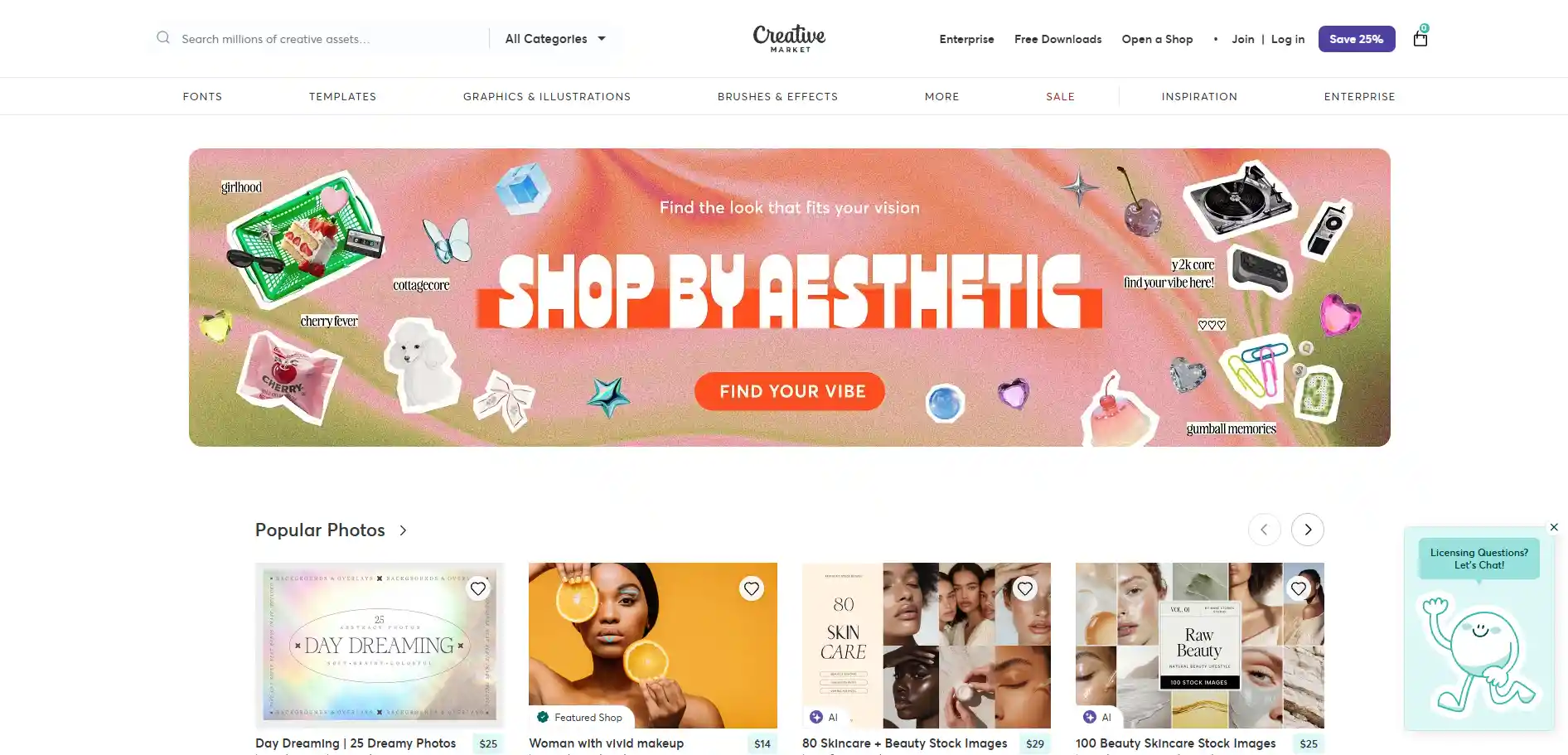
デザインアセットの厳選されたマーケットプレイス:フォント、モックアップ、テンプレート、ブラシ、グラフィック。購入するものを理解し、それに応じた価格を支払う他のデザイナーや小規模ビジネスオーナーが対象で、このサイトの平均注文額はEtsyよりも明らかに高くなっています。
応募内容は審査されるため、すべてのセラーが参加できるわけではなく、Creative Marketはかなり高い手数料を徴収します。しかし、あなたの作品がカテゴリーに適合していれば、ここではデザイナー同士の販売が行われており、1つの強力なバンドルがほとんど宣伝なしで何年もの間、ひっそりと収益を生み出すこともあります。
Teachers Pay Teachers
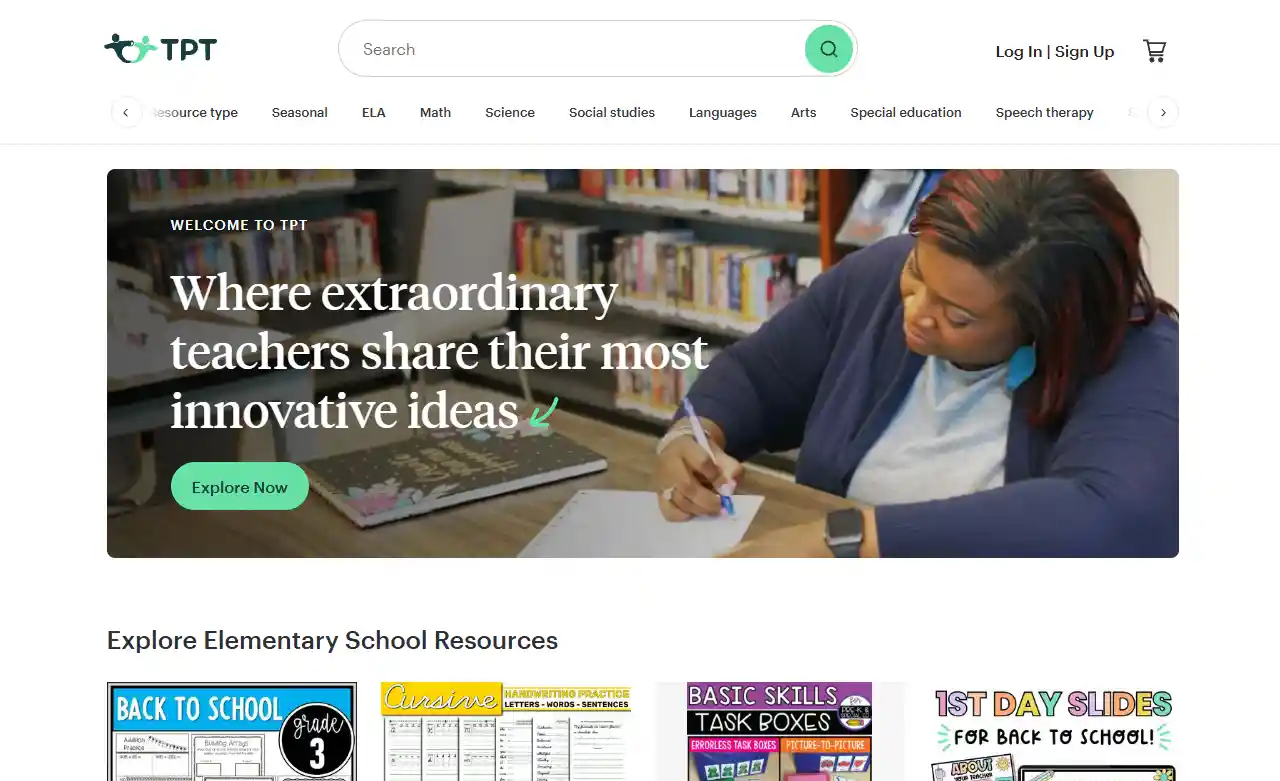
Teachers Pay Teachers は、教育用印刷物(ワークシート、授業計画、教室装飾、ホームスクール用カリキュラム)の主要なマーケットプレイスです。
教師はここで教室ですぐ使える教材を積極的に購入しており、購入意欲は年間を通じて高く、各学期の開始時には予測可能なピークがあります。
Etsyの基本セラーティアより手数料は高くなりますが、平均注文額は安定しており、購入意欲は比類ありません[[[PH_1]]。あなたの作品が教育関連であれば、ここが最適な場所です — このカテゴリーでは、リスト内の他のどの場所もここに近づきません。
ArtStation
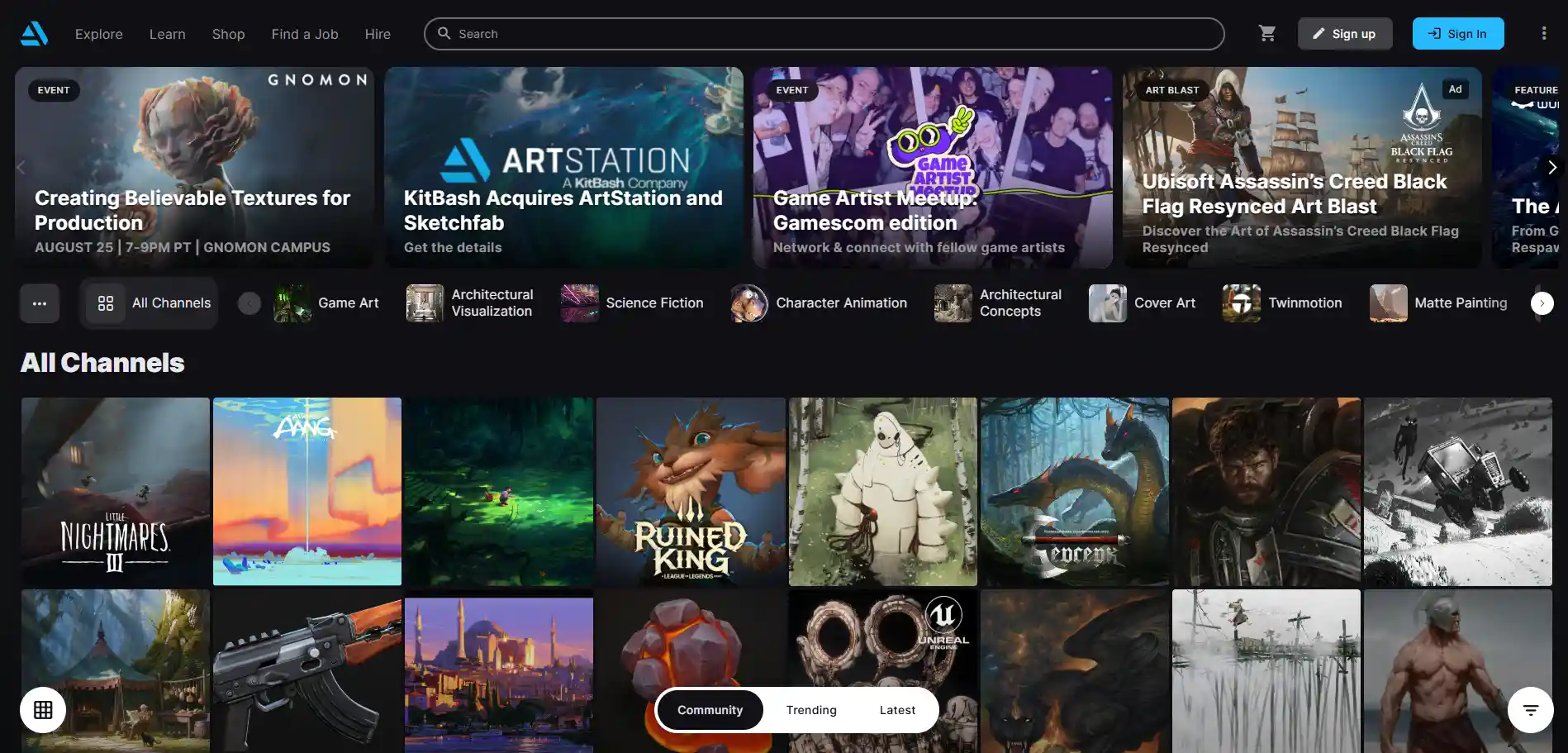
イラストレーター、コンセプトアーティスト、3Dアーティスト向けに構築されており、印刷可能な素材やテンプレートの販売者向けではありません。ポートフォリオとマーケットプレイスの中間的な存在で、購入者には、ブラシ、チュートリアル、3Dアセットを探しているスタジオ、インディー開発者、その他のアーティストが含まれます。
トラフィックはニッチですが、購入意欲の高いユーザーが多いです。キャラクターブラシ、環境キット、または制作プロセスの解説を販売している場合、ArtStationはEtsyでは届かない層にリーチできます。ウォールアートやウェディング招待状を販売している場合は、ここは適した場所ではありません。
デジタルアートを商品化して副収入を得よう
ダウンロードとして販売している同じアートワークは、在庫を管理することなく、マグカップ、Tシャツ、ポスター、トートバッグ、スマホケースなどの物理的な商品としても販売できます。
オンデマンド印刷サービスは、顧客が注文した後にのみ商品を製造し、その後、購入者へ直接発送します。
同じデザインが2回売れる
デジタルファイルとしてすでに出品したデザインは、PrintKKのようなプリントオンデマンドプラットフォームで、完全な商品ラインに展開できます。.
自宅で額装するために$6のプリント可能な商品を購入する顧客と、完成品の$30のポスターを玄関先まで配送してほしい顧客は、別のタイプの人です。
売上を食い合っているわけではありません。同じアートワークで2種類の購入者タイプを取り込んでおり、物理的な商品は、制作コストを差し引いた後でも、1注文あたり高い利益率をもたらします。
あなたのスタイルに合う商品を選ぶ
すべてのデザインがすべての製品に適しているわけではありません。線画やタイポグラフィはマグカップ、トートバッグ、スマホケースにきれいにプリントできます.
詳細なイラストは、印刷エリアに作品が表示されるポスター、キャンバスプリント、Tシャツに適しています。まだ購入されていないデザインのために15種類もの商品を展開するのではなく、まずはベストセラーを中心に構築した2〜3種類の商品タイプから始めましょう。
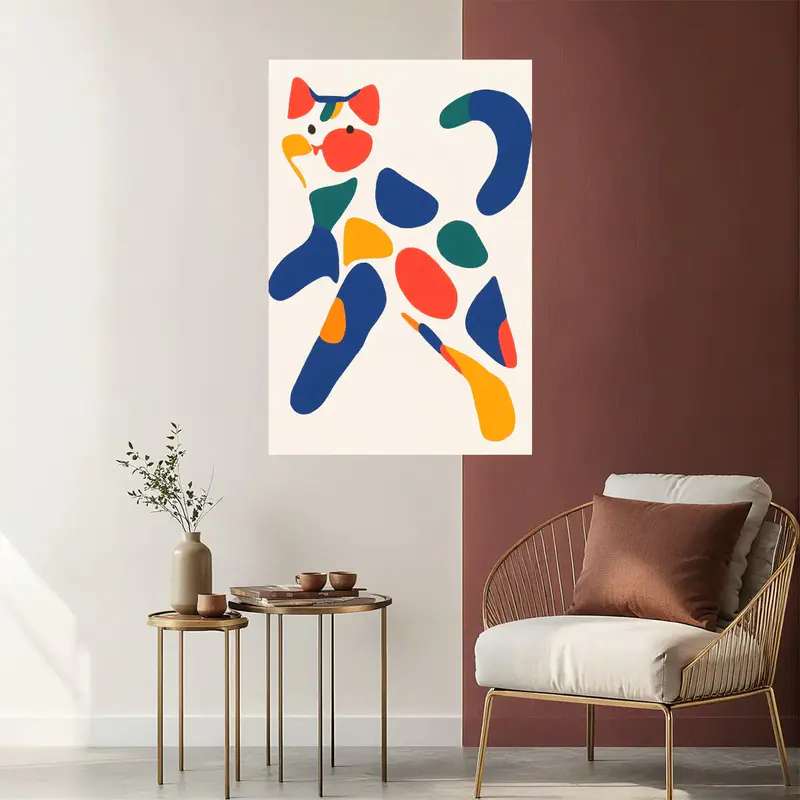
カスタムポスター (2:3) - Print on Demand フルフィルメント - PrintKK
フルフィルメントに任せて自動運用する
これがサイドストリームとして機能する理由は、商品に一切触れないからです。PrintKKのようなサービスは、注文が入るたびに各注文を印刷、梱包、発送します — デザインを一度アップロードし、それをEtsyまたはShopifyストアに接続するだけで、バックグラウンドで自動的に稼働します。
在庫不要、郵便局への持ち込み不要、紛失荷物に関するチャージバック不要。
専門家のヒント
オンラインでデジタルアートを販売する方法を学ぶには、いくつかの明確なステップを押さえることが重要です。
すでに持っているスキルに合ったカテゴリーを選択してください。ファイルを適切に準備してください。安全だと感じる価格ではなく、仕事の価値に見合った価格を設定してください。
発見のための1つのマーケットプレイスと、リピート購入者向けの1つの自社プラットフォームを選びましょう。明確なライセンスであなたの作品を保護しましょう。1つのチャネルでマーケティングを行い、そこに深く注力しましょう。
一度リストが成果を出したら、新しいアイデアを追いかけるのではなく、バリエーションを作りましょう。本当に収入を得ている販売者は、最も才能がある人たちではありません — 初日からこれをビジネスとして取り組んでいる人たちです。
よくある質問
デジタルアートをオンラインで、初期費用なしで無料で販売できますか?
はい。Gumroadでは月額料金なしで商品を掲載できます — 販売が発生したときのみ手数料が差し引かれます。Etsyは出品ごとに$0.20に加えて取引手数料がかかりますが、始めるには依然として低コストです。
デジタルアートにはいくら請求すればよいですか?
通常、単一ダウンロードは$4から$8、厳選されたバンドルは$25から$60、独占的な商用ライセンスは$150以上で販売されます。価格設定の前にマーケットプレイス手数料を考慮してください — Etsyでは、$10の販売は通常、出品料、取引手数料、決済手数料を差し引いた後で$6から$7の収益になります。注文が外部広告経由の場合はさらに少なくなります。
デジタルアートが盗まれたりコピーされたりするのを防ぐにはどうすればよいですか?
低解像度のプレビューのみを、目に見えるウォーターマーク付きで公開してください。すべてのリスティングで明確なライセンス階層を設定してください。イラスト作品については、AIによるスクレイピングを困難にするため、アップロード前にファイルをGlazeまたはNightshadeで処理してください。
オンラインでデジタルアートを販売するには、ビジネスライセンスが必要ですか?
規則は国や州によって異なります。ほとんどの販売者は最初は登録していませんが、収入が増えると、税務上の理由から個人事業主またはLLCとして登録します。事業を拡大する前に、地域の要件を確認してください。


 Global Shipping